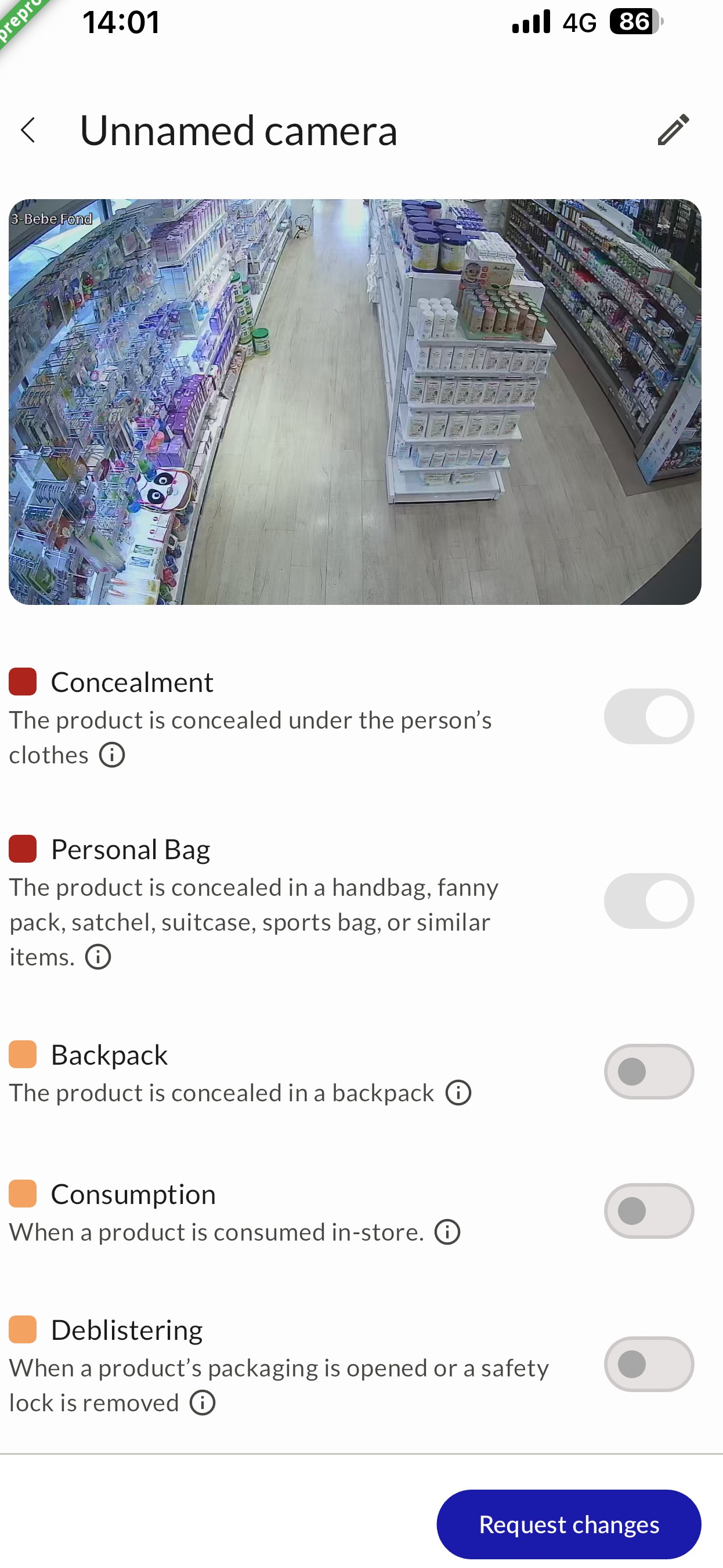
- Review your gesture settings at Stores → Gestures:
- Preset mode: If you're on Maximum, try Moderate. If you're on Moderate, try Essential.
- Expert mode: We strongly recommend disabling "Customer with bag in aisle" and "Suspicious bag" — these generate more false positives.
- Identify problem cameras in Stores → Cameras and contact us.
- Qualify the alerts as Suspicious or Not Suspicious so we can recommend specific actions.
🎬 See it in action: Follow this interactive tutorial on alert qualification to learn how to classify alerts.
Overwhelmed? You can also adjust your notification preferences. See the Notification Management section below..
Tip — Team Notifications: If you're getting too many alerts but some are for other colleagues, modify your own notification settings to receive only Highly Suspicious alerts.
!Gestures settings — adjust sensitivity per gesture type
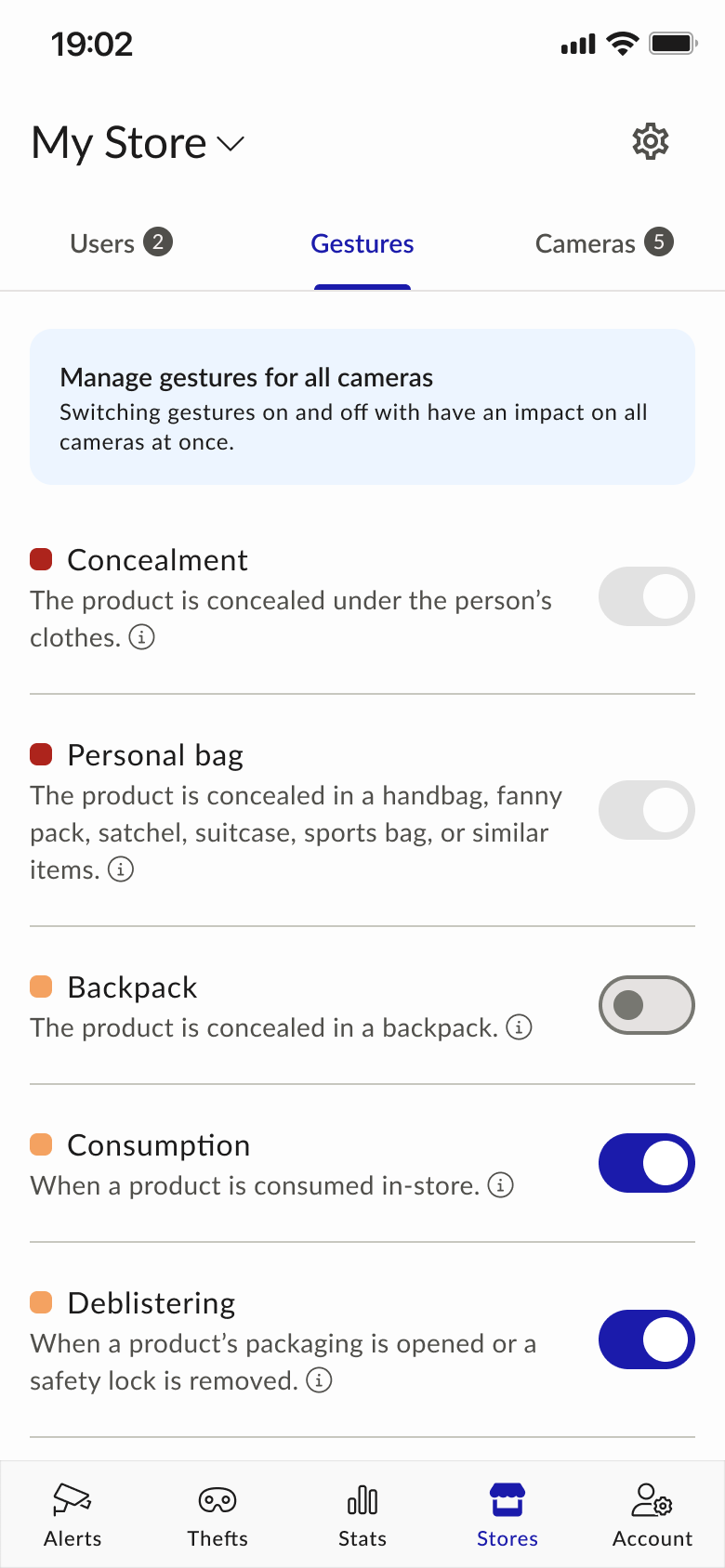
!Camera detail — per-camera gesture toggles plus Request changes